Every task is tested automatically before it can merge — both narrow unit tests and broader end-to-end tests that exercise the running app. The Testing view shows a project's tests independent of any single task.
Testing
Tests in the task detail
Within a task's detail view, the Test step shows the outcome of the project's unit tests (how many passed, how many failed, and the output of any failures) and the E2E step shows the outcome of end-to-end scenarios — simulated user actions in the actual running application. If Test or E2E fails, the Fix step is given the failure details, attempts to correct the problem, and testing runs again; this can repeat a few times automatically. If tests still fail after the allowed attempts, the task becomes failed and the failure details stay attached to it.
The Testing view and its tabs
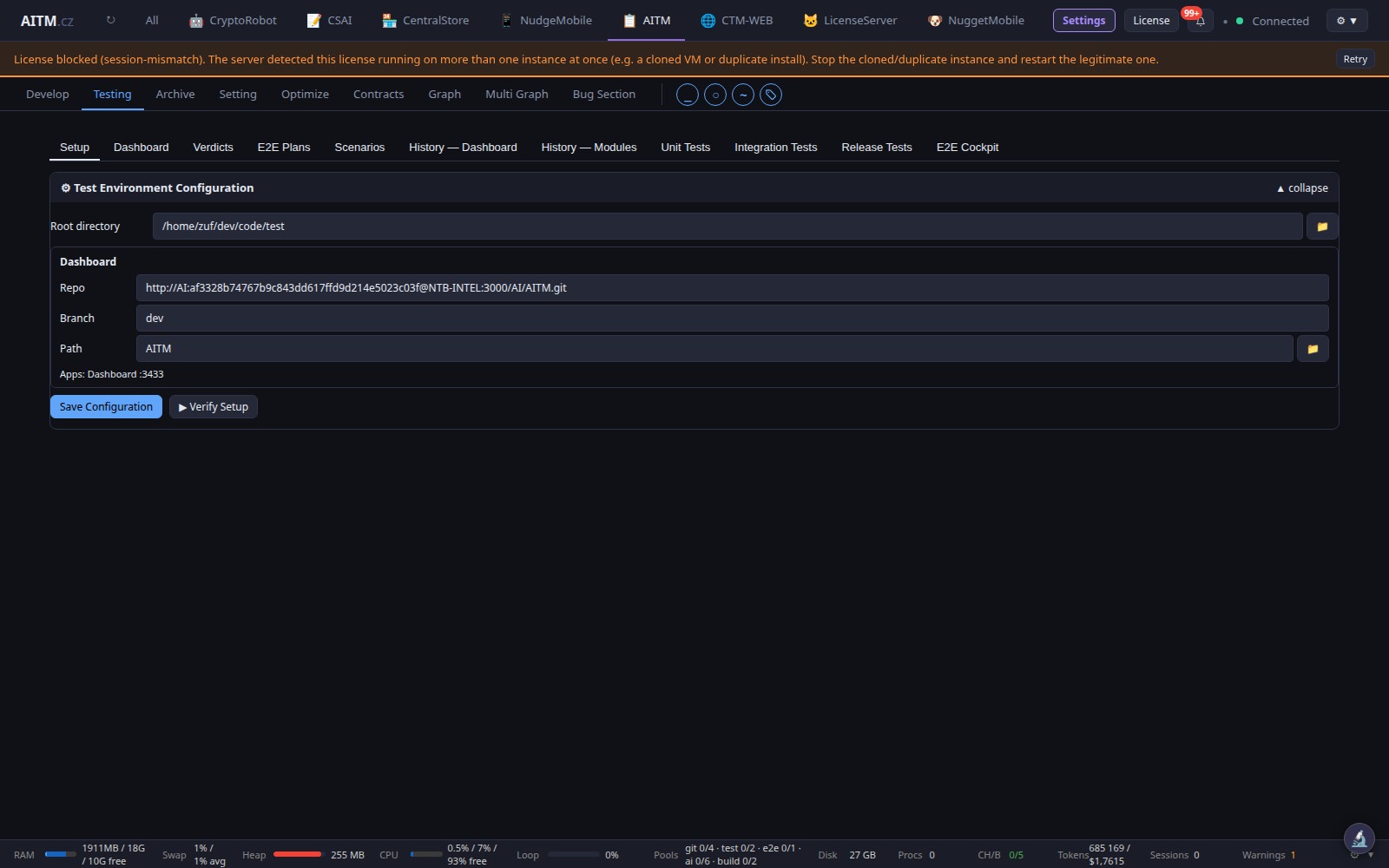
By default the Testing view has three inner tabs: History — Dashboard, History — Modules and Unit Tests. Further tabs — Setup, Dashboard, Verdicts, E2E Plans, Scenarios, Integration Tests, Release Tests and the E2E Cockpit — exist but are hidden until you switch them on in the navigation customization.
The Unit Tests tab
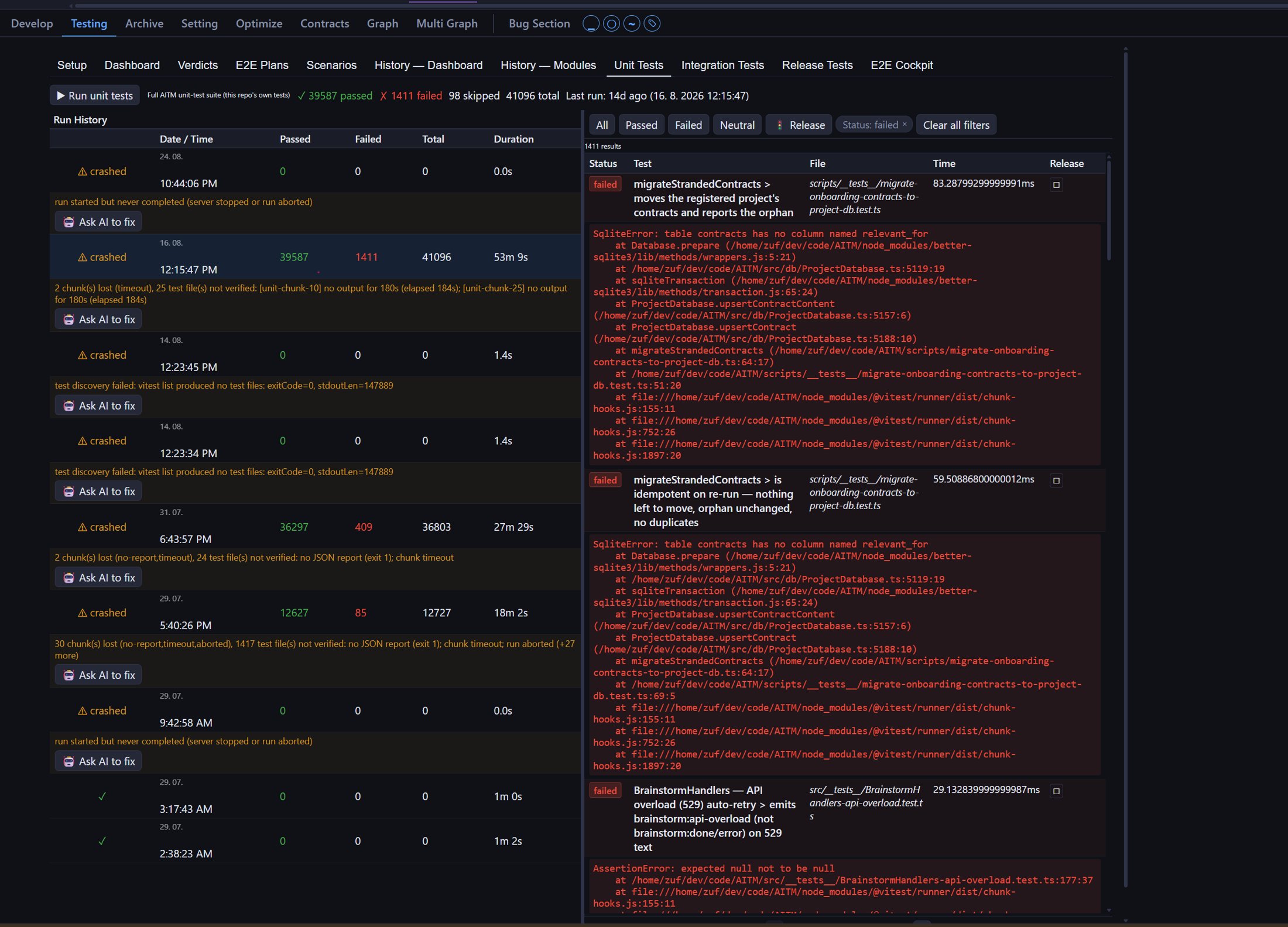
The Unit Tests tab has a Run unit tests button, totals for the last run (passed, failed, skipped), a Run History table (date, passed, failed, total, duration) and, on the right, the individual tests of the selected run with filters such as Passed and Failed. Click a run in Run History to list its tests; filter to Failed to read the error of each failing test. A run that did not complete is marked crashed with the reason and an Ask AI to fix button.
Verify verdicts
After testing, the Verify step re-checks each acceptance criterion of the task and records one of three verdicts:
- passed — the check ran and matched what was expected.
- failed — the check ran and did not match; the output states what was run, what was expected and what came back.
- unverifiable — the check could not be run at all (for example it needs a running instance that isn't available). This never fails the task; the item is listed as pending manual verification.
Build & Start/Stop
Trigger a build of your project, then start or stop a running instance of it on its own dedicated port — independent of the isolated instances the pipeline spins up for E2E testing during a task.
Live status and terminal output
See at a glance whether your instance is running, building, or stopped, and stream its terminal/console output live — useful for confirming a build succeeded or diagnosing why it didn't.
Stopping a running test run
You can stop a long-running unit test suite at any time directly from the Testing view, without waiting for it to finish. If the AITM server is restarted while a test run is in progress, the run is interrupted safely — it won't be left stuck in a "running" state on the next startup; the server detects and clears it.
Combined CPU/RAM budget for tests
Unit tests and E2E tests share one overall CPU and memory budget that automatically adapts to the size of the server AITM runs on. Tests run sequentially so their combined resource use never overloads the host — this protects against crashes caused by running multiple test workloads at once.
E2E verdict history
Every end-to-end test run recorded against this project is kept in the Verdicts tab (hidden by default), with its verdict (pass, feature bug, environment error, etc.) and a timeline you can scroll back through to see how test health has trended over time.
Bug indicator dropdown
The bug indicator dropdown in the top bar shows at most the 10 most recent bugs, keeping it fast and readable even on projects with a long bug history. It always shows an Open Bug Section link — even when the recent-items list is empty — so the dropdown never dead-ends; you're always one click away from the full bug list regardless of how many recent items exist.
Tips
- Keep a project's own instance stopped when you're not actively testing it — it frees the port for the pipeline's isolated E2E instances.
- Check the E2E verdict history before re-running a full test suite — a past environment error might explain a failure that isn't actually a code bug.